
Mino · Series
Codename: Veil
Build a document anonymisation tool, one step at a time
A daily mini-series where Dielis uses AI to build a tool that anonymises legal documents from scratch. One-minute episodes, from an empty screen to a working tool.
38 episodes · 36 min · with Dielis · New episode every weekday
-
 0:36 1 What we're building: an AI redaction tool
 -
 0:39 2 Create a GitHub account
 -
 0:52 3 Install VS Code
 -
 0:52 4 Install Claude Code in VSCode
 -
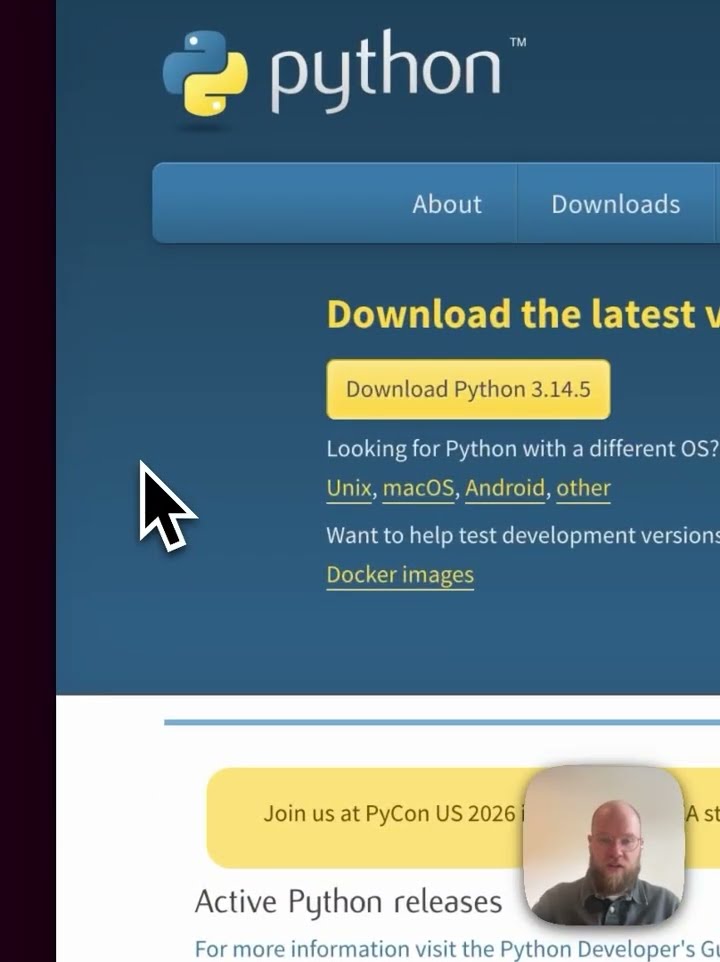 0:53 5 Install Python
 -
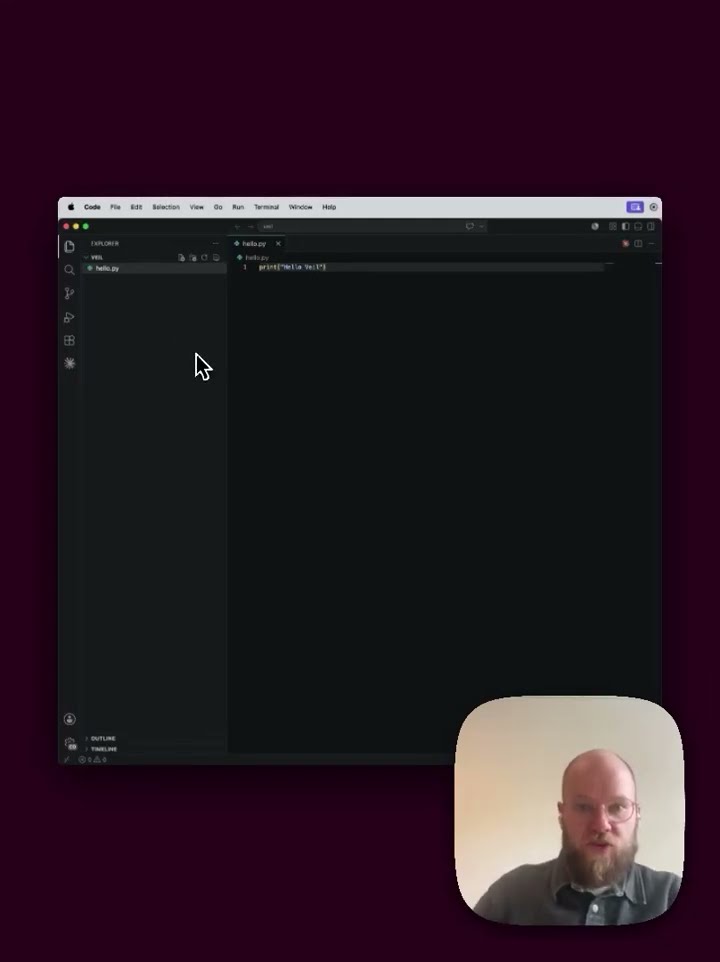 1:14 6 Your first Python file
 -
 1:20 7 Make a project folder
 -
 1:20 8 Set up a Python virtual environment
 -
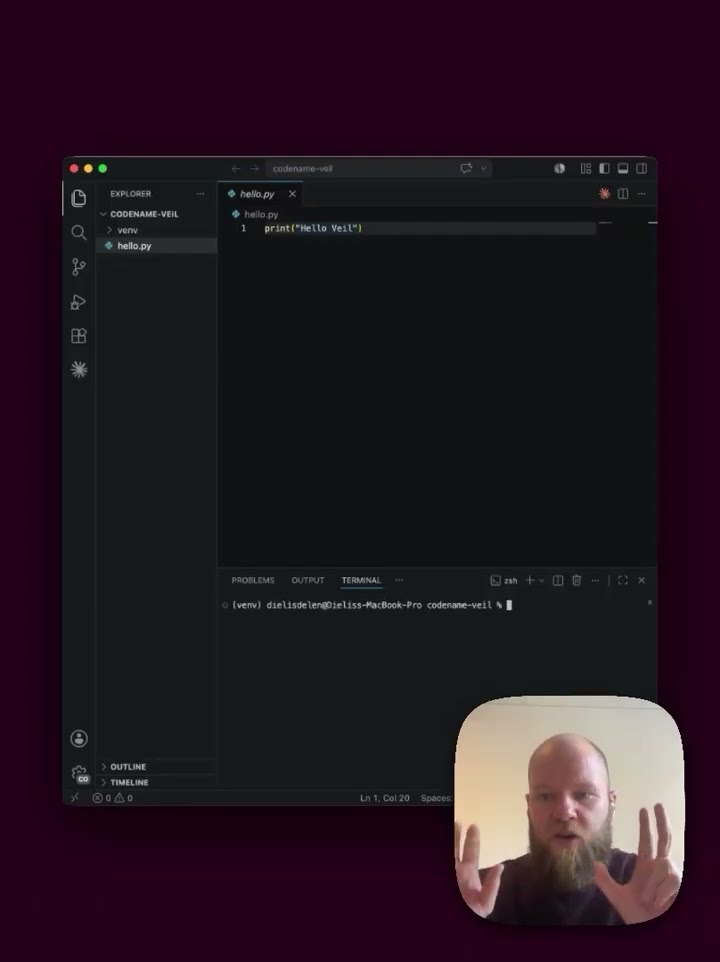 0:48 9 Install our first package
 -
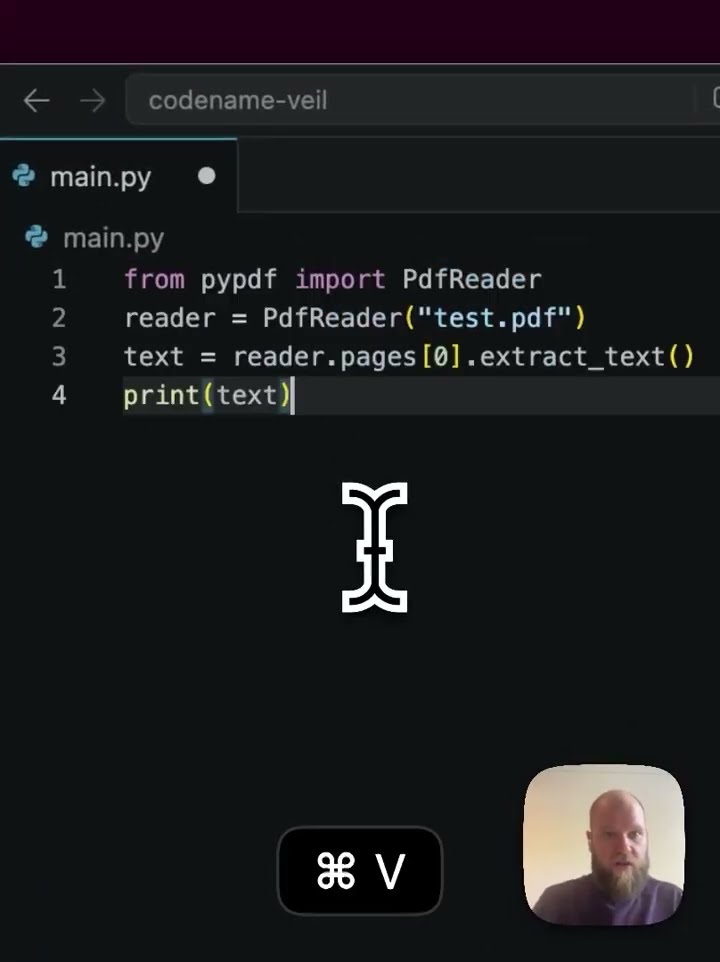 1:03 10 Read a PDF in Python
 -
 1:04 11 Install git
 -
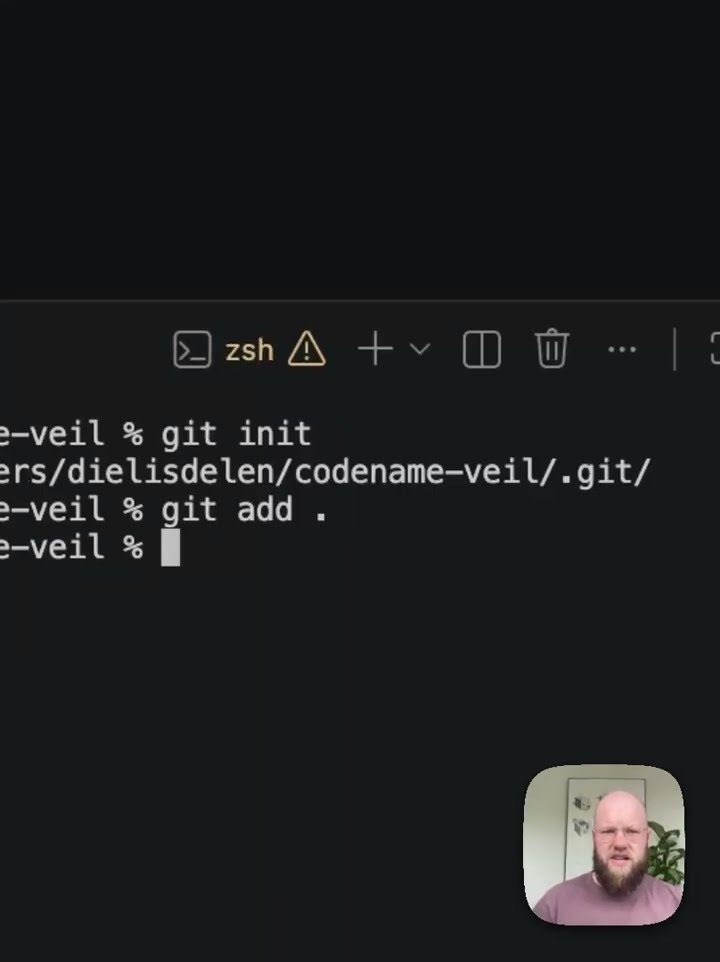 1:00 12 Your first Git commit
 -
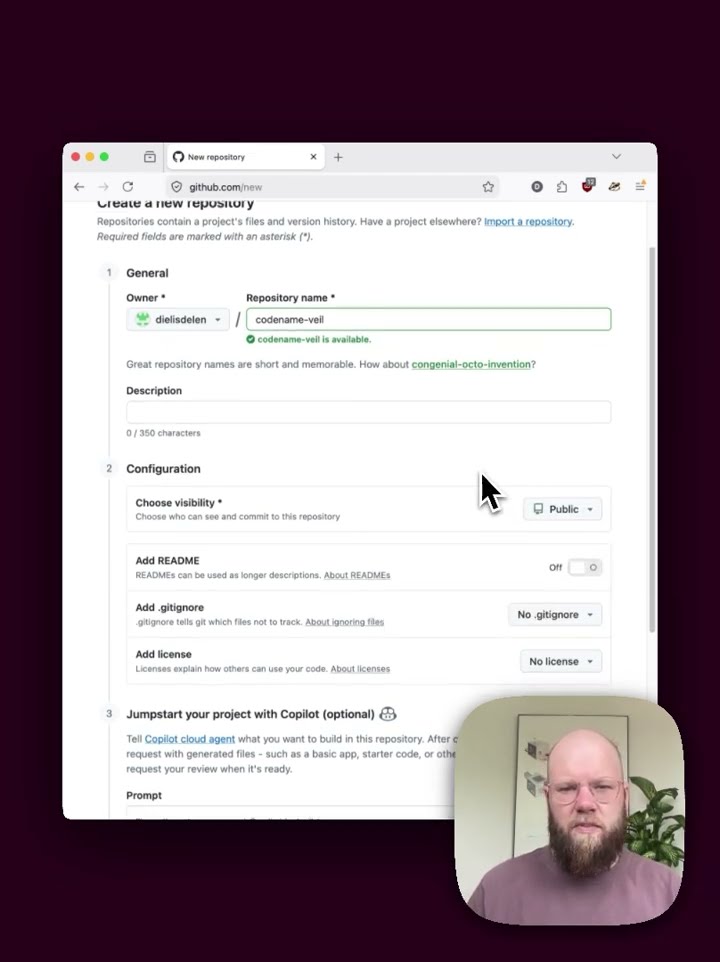 1:00 13 Create a GitHub repo
 -
 1:18 14 Add a .gitignore file
 -
 0:56 15 Push to GitHub
 -
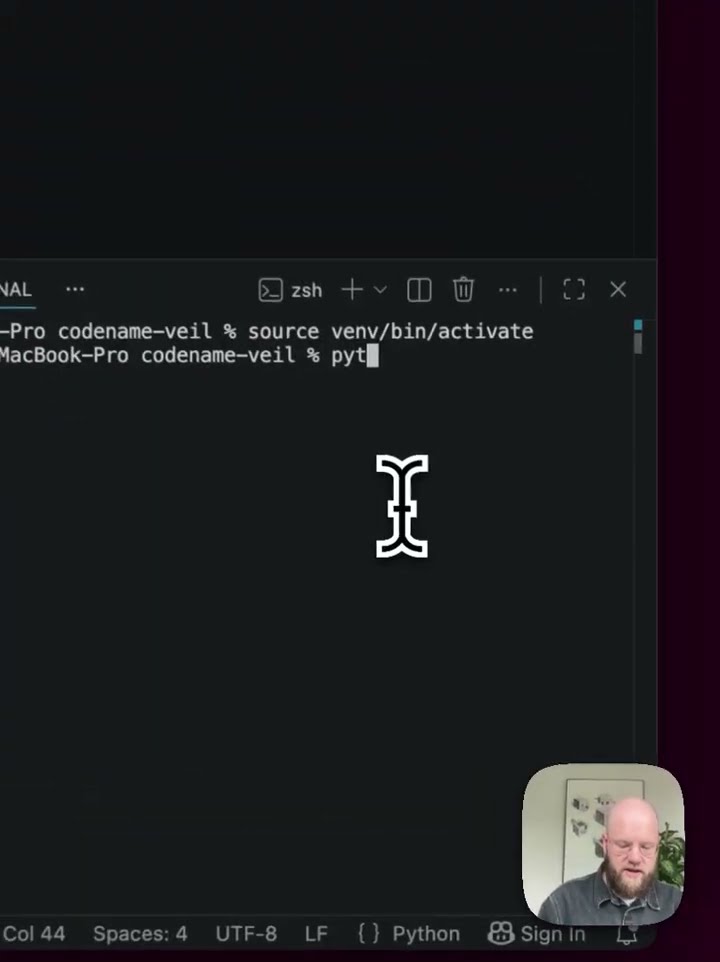 0:58 16 Your first redaction
 -
 0:46 17 Save the result to a file
 -
 0:53 18 Module one recap
 -
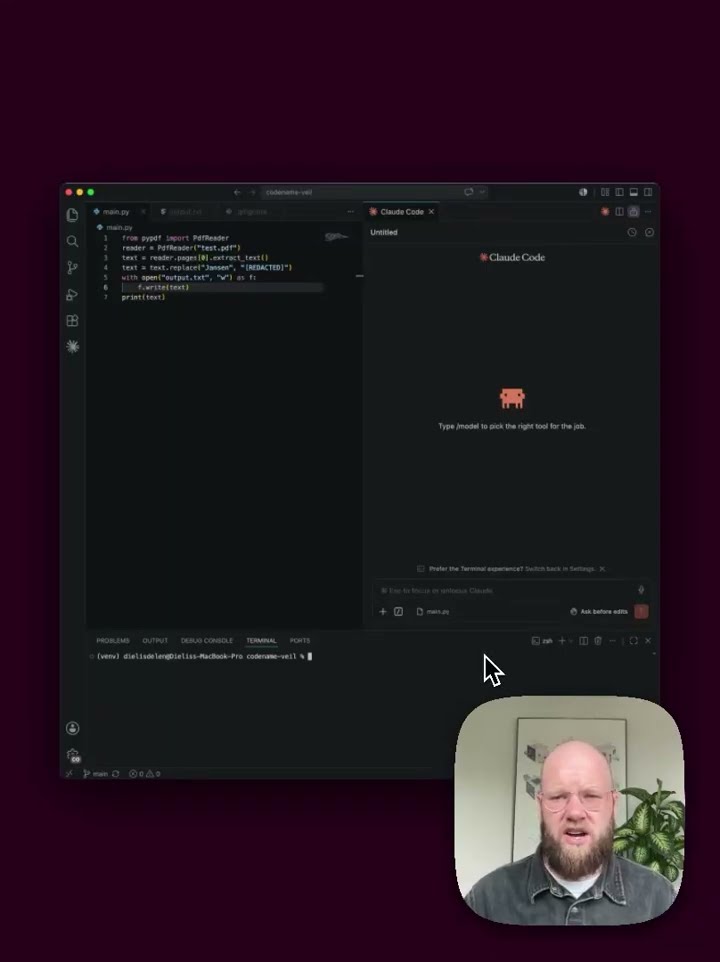 0:55 19 What is regex (and asking AI to explain it)
 -
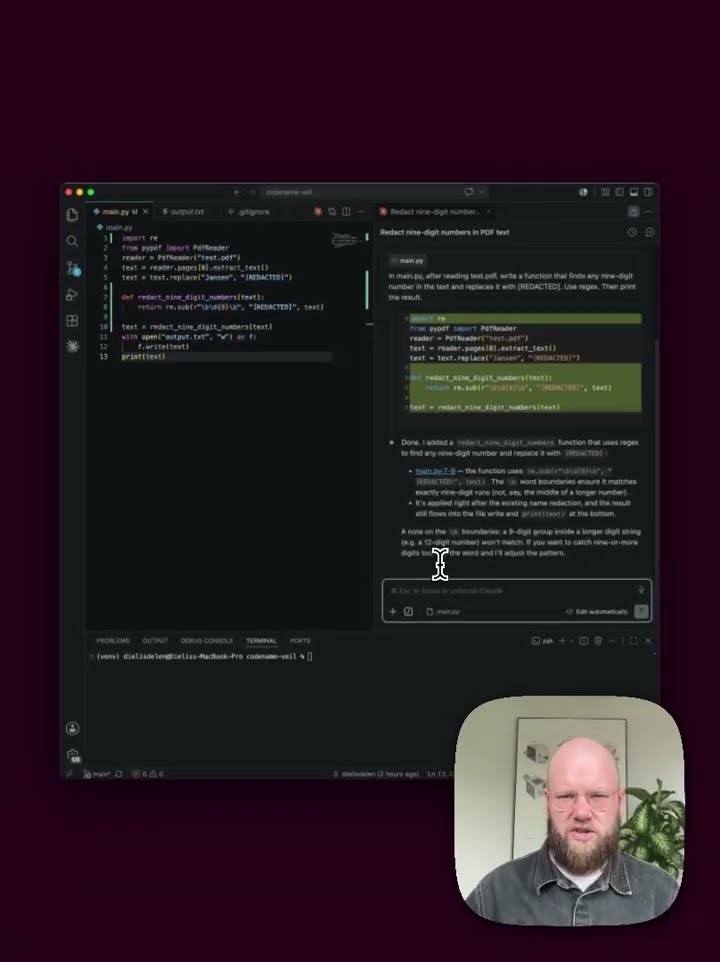 1:03 20 Vibe-code your first detection
 -
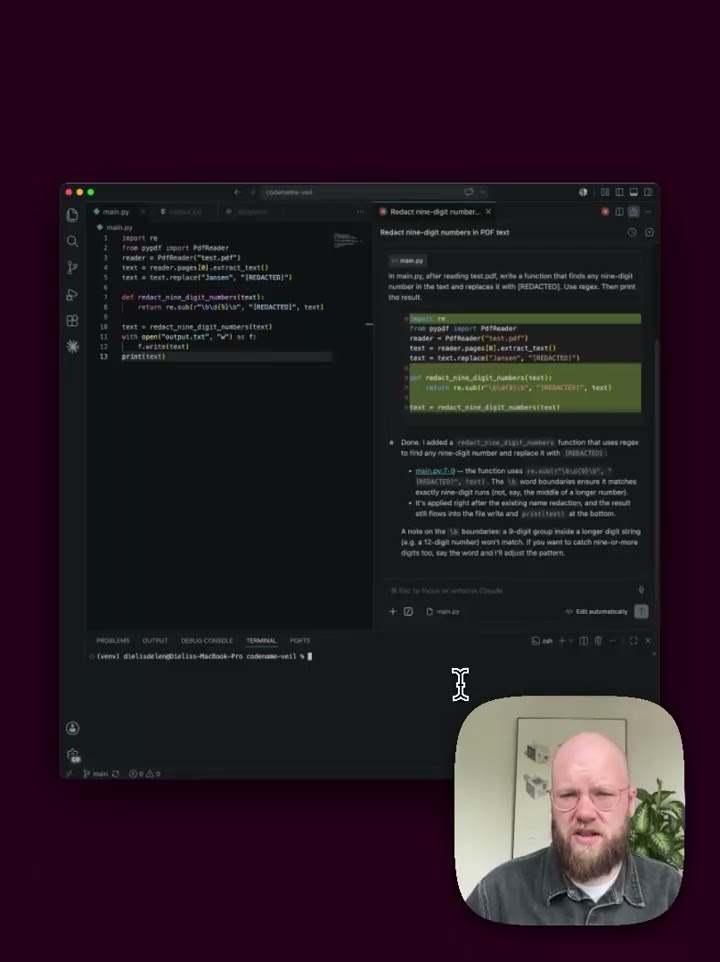 0:52 21 Understand the code Claude wrote
 -
 0:40 22 Generate a harder test document
 -
 0:58 23 Detect license plates and the first edge case
 -
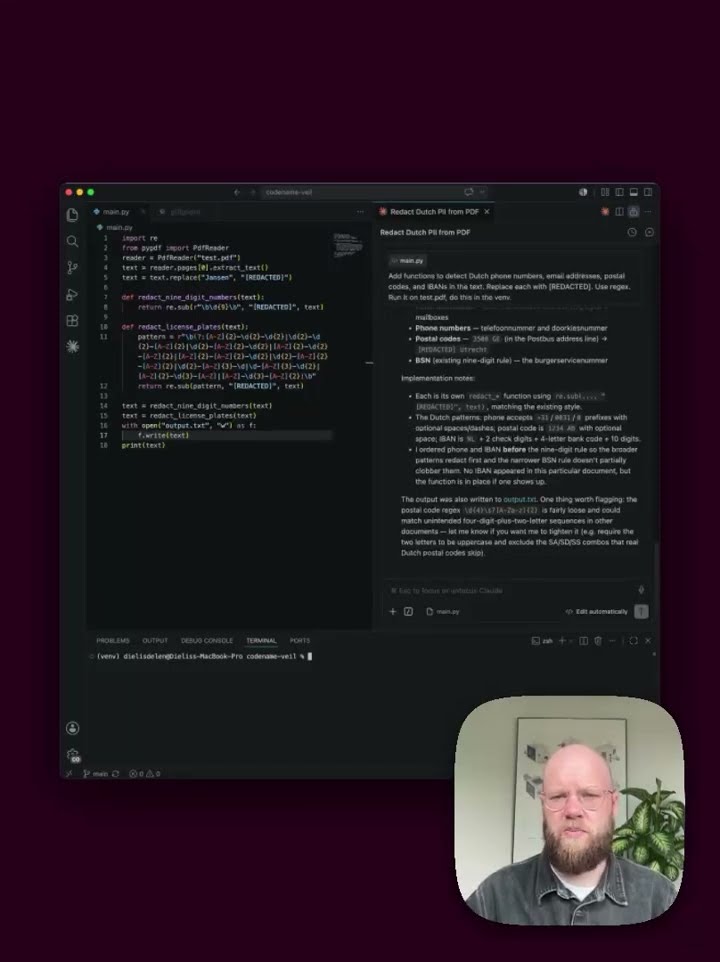 0:47 24 More patterns in one prompt
 -
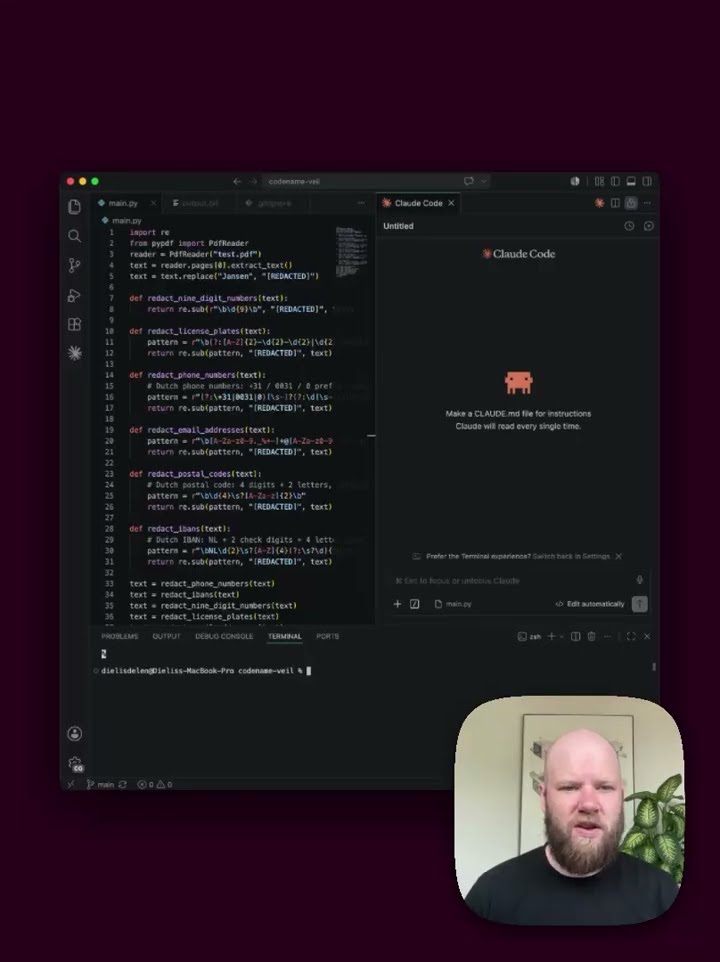 0:53 25 Refactor the code with Claude
 -
 0:53 26 Structured detection output
 -
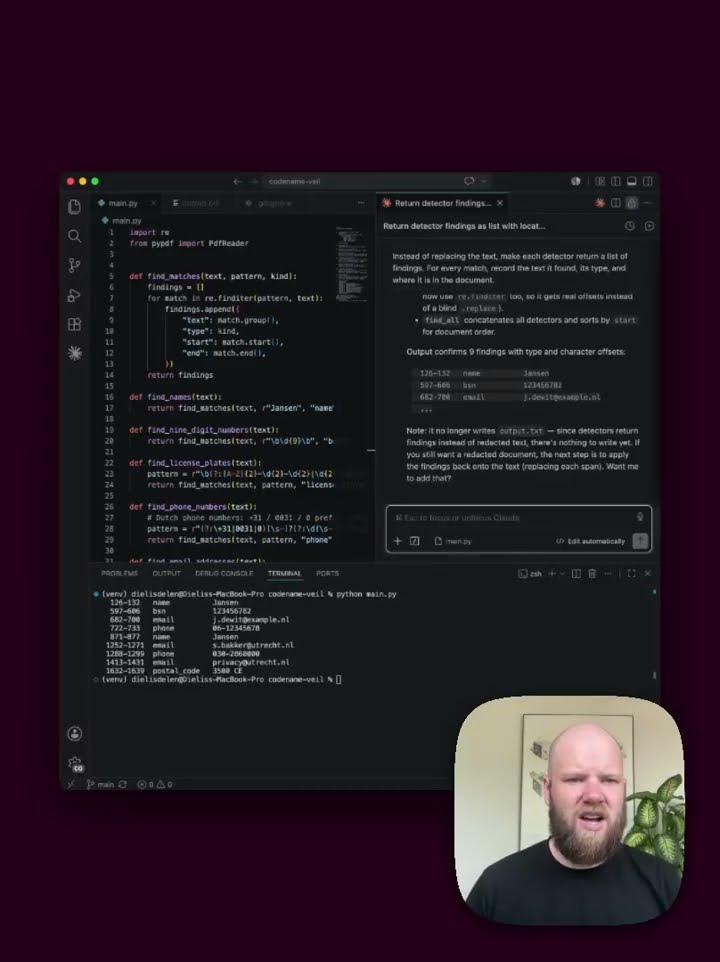 0:59 27 The limit of regex
 -
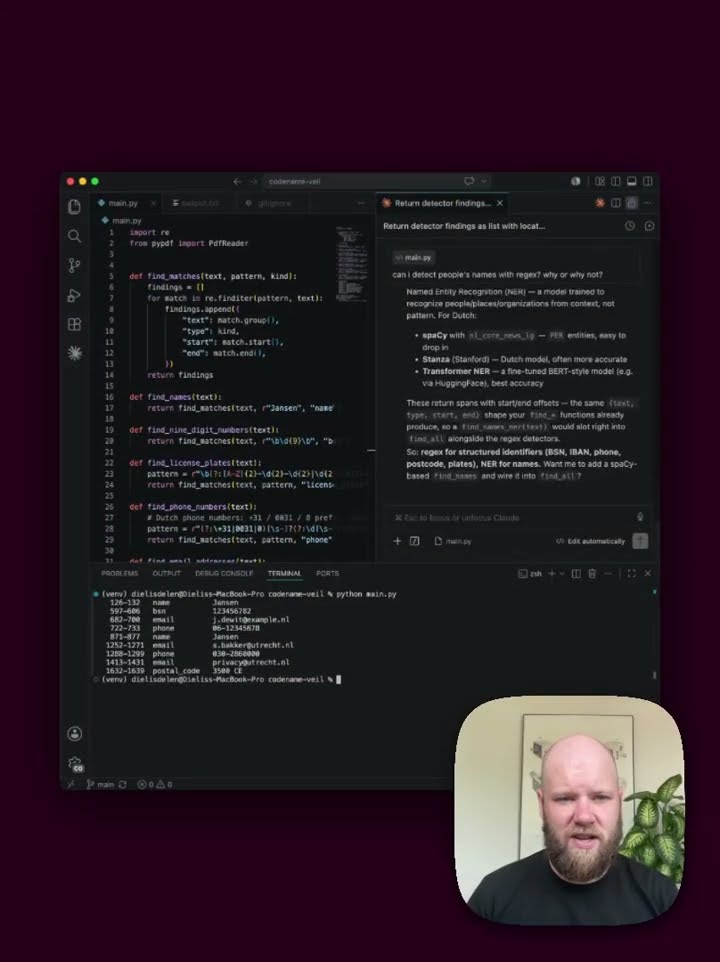 0:55 28 Choose a tool and install spaCy
 -
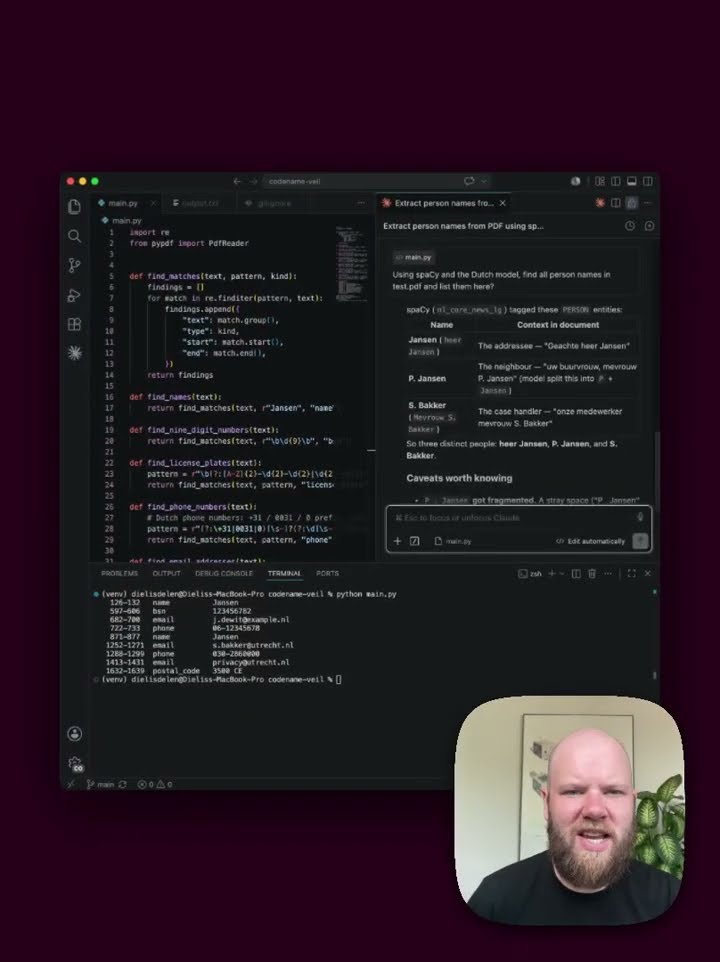 0:46 29 Detect names with spaCy
 -
 0:51 30 Where spaCy fails
 -
 0:45 31 Combine regex and spaCy
 -
 0:49 32 Module two recap
 -
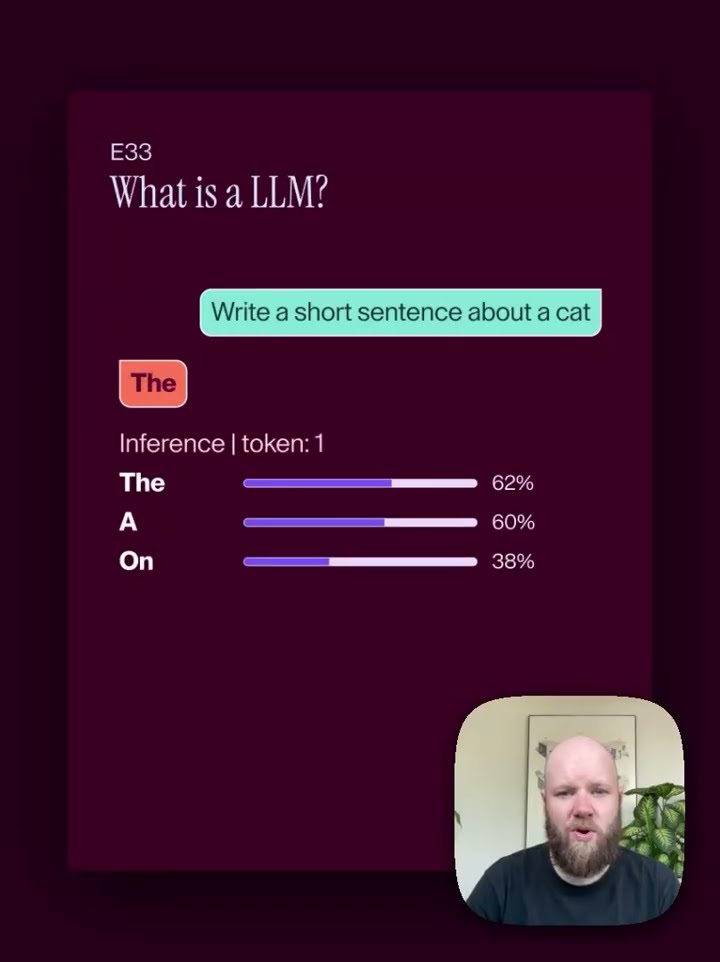 1:16 33 What is an LLM
 -
 0:45 34 Why local, why now
 -
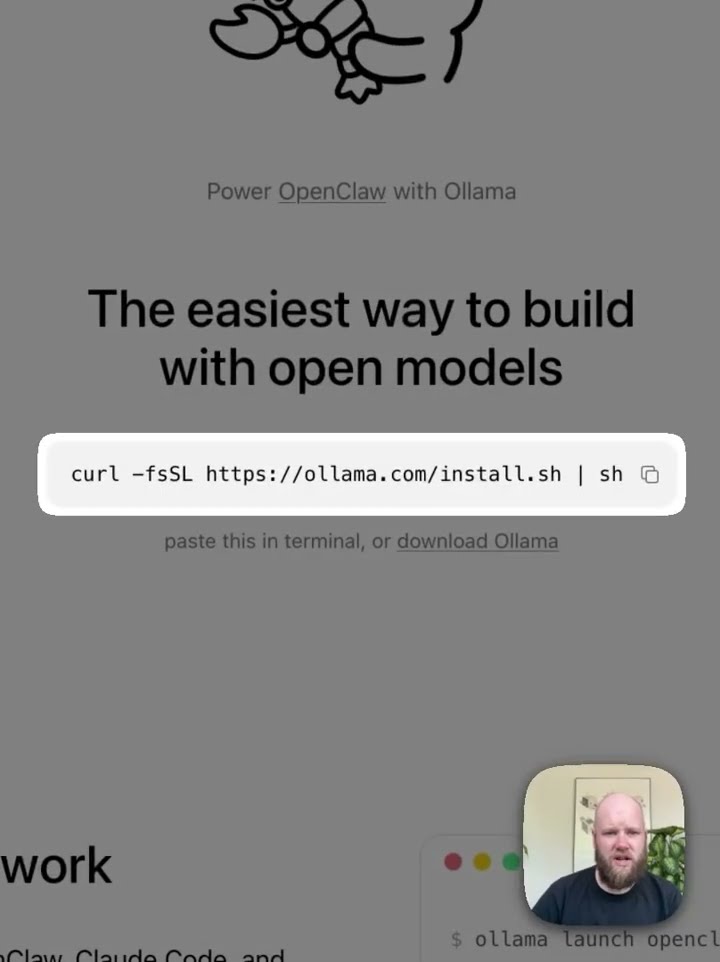 0:36 35 Install Ollama
 -
 1:52 36 Choose a model
 -
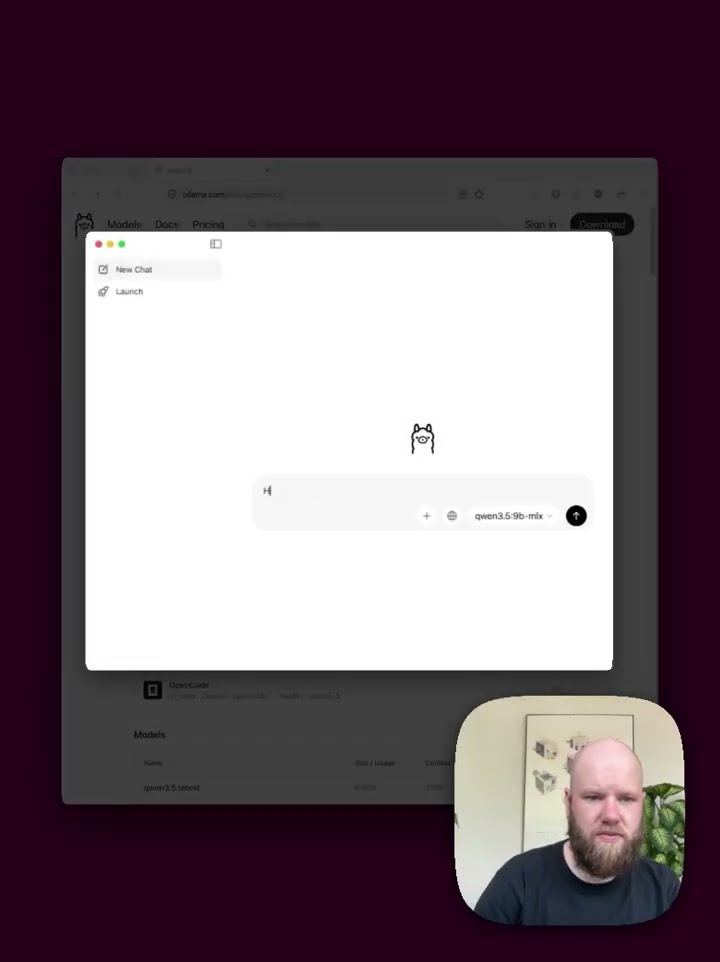 0:46 37 Download and run the model
 -
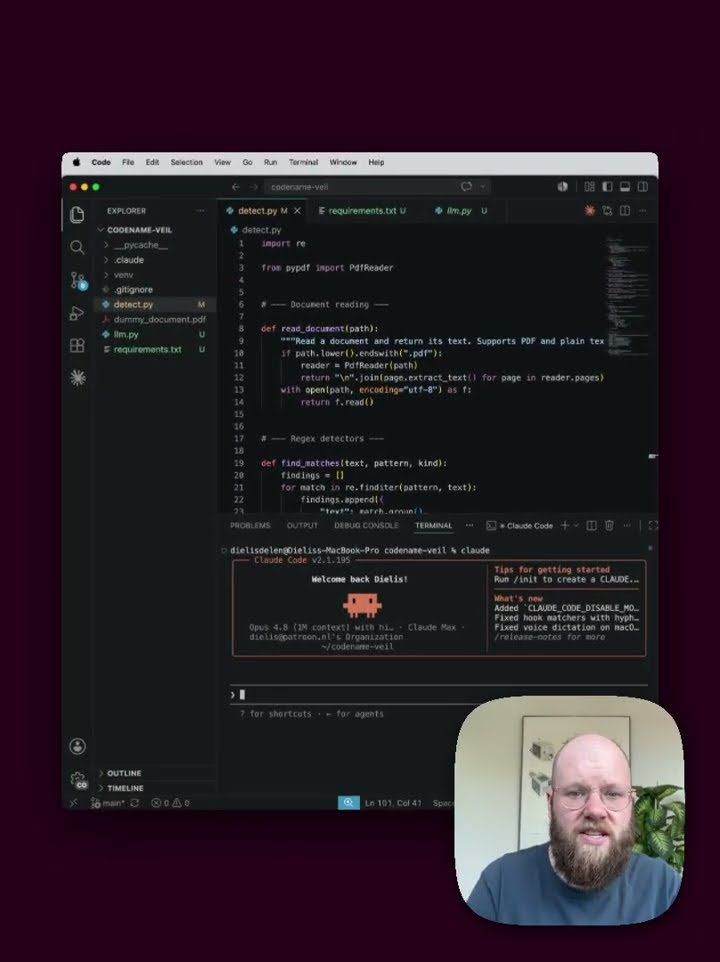 1:26 38 Connect Python to Ollama